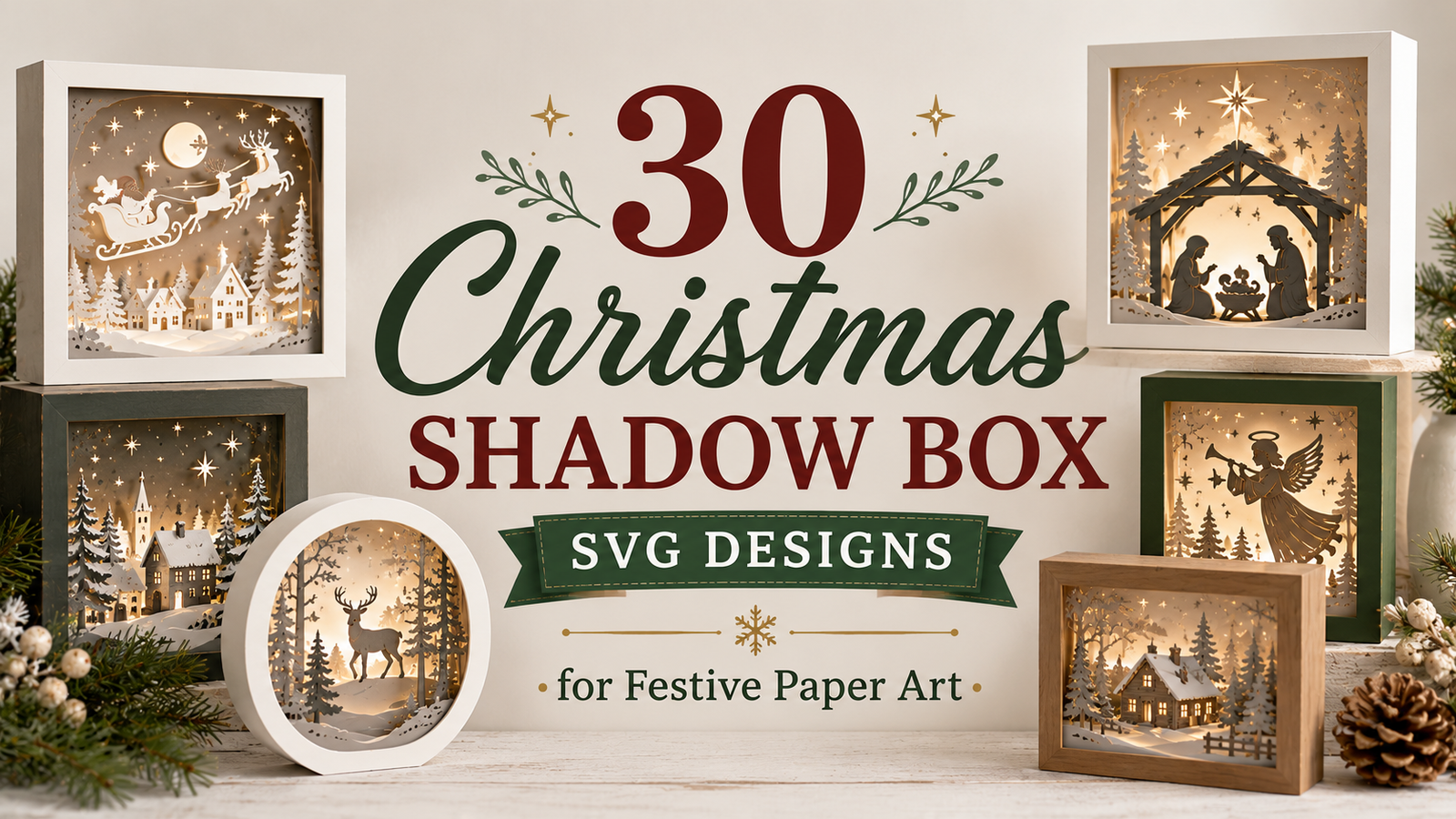
30 Christmas Shadow Box SVG Designs for Festive Paper Art
From Santa and snowy villages to glowing light boxes and woodland scenes, explore Christmas designs and learn how to choose the right project for your cutting machine, materials, and holiday decor.
Layered paper decorations can add depth and dimension to a Christmas display without taking up much space. A shadow box uses separate layers to create a sense of distance between the foreground and background, while a light box can add another dimension through illumination.
In this guide, I have gathered 30 Christmas shadow box and light box designs to explore. You will find traditional holiday scenes, playful characters, religious themes, and winter landscapes. Along the way, you will also find practical tips to help you decide which type of design fits your crafting setup.
Affiliate disclosure: This article contains affiliate links. I may earn a commission from qualifying purchases at no extra cost to you.
Classic Christmas Characters and Scenes
Santa, snowmen, sleighs, and Christmas villages are familiar holiday motifs. They are a good starting point if you want a design that immediately communicates a Christmas theme.
1. Christmas Santa Shadow Box SVG
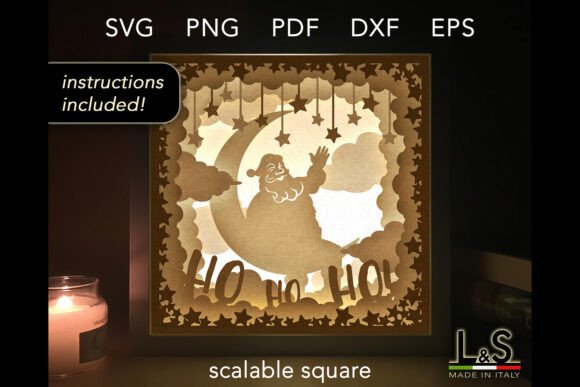
A Santa-themed shadow box is a natural choice for a traditional Christmas display. Consider placing a finished piece on a shelf, mantel, or side table where the layers can be seen clearly.
Before choosing this design, look at the preview to see how detailed the beard, clothing, and background elements are. Very intricate pieces may need more careful cutting and assembly.
2. Christmas Angel Shadow Box SVG
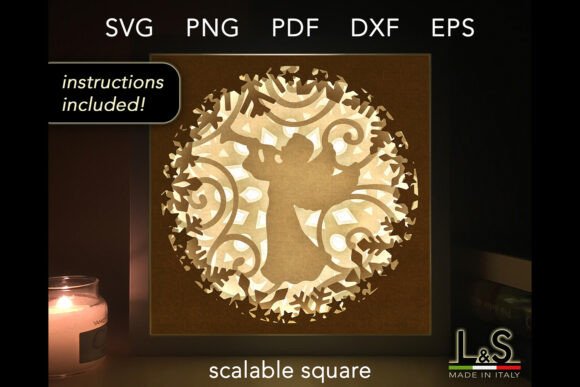
Angel-themed paper art brings a peaceful mood to Christmas decorations. It can suit a traditional holiday display or a thoughtful handmade gift.
When comparing angel designs, pay attention to the silhouette and the spaces between the layers. These details affect how clearly the figure stands out in the finished piece.
3. Crystal Ball Christmas Shadow Box SVG
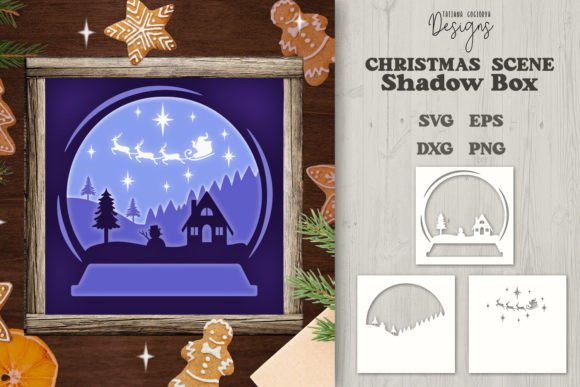
A crystal-ball-inspired design offers a different visual direction from the usual Santa or Christmas tree scene. It may appeal to crafters who prefer imaginative or storybook-style decorations.
Check the product preview for fine details and narrow cutouts. These can affect the paper weight and cutting settings you choose.
4. Christmas Village Shadow Box SVG
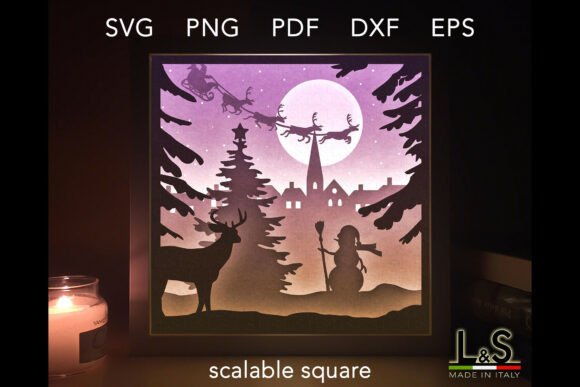
A Christmas village creates the feeling of a little winter world inside a frame. Houses, trees, and other scene elements can make layered paper art particularly effective.
This theme works well when you want a decoration that can remain on display throughout the winter season, rather than only on Christmas Day.
5. Snowman Santa Christmas Shadow Box
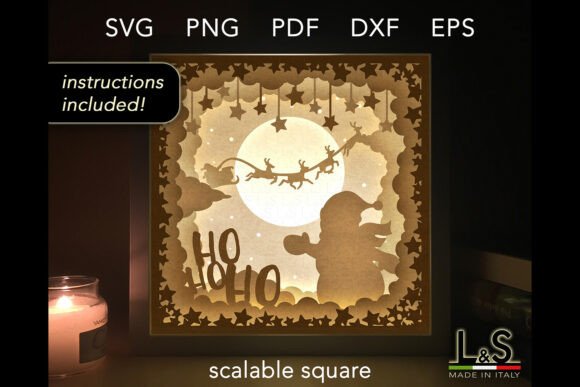
Combining snowman and Santa imagery gives a Christmas display a playful, friendly mood. It is an option to consider for family spaces or cheerful seasonal decorations.
Look at the colors and facial details in the listing preview before selecting paper. Small features can disappear if similar shades are placed directly next to one another.
6. Santa Sleigh Christmas Box Laser Cut
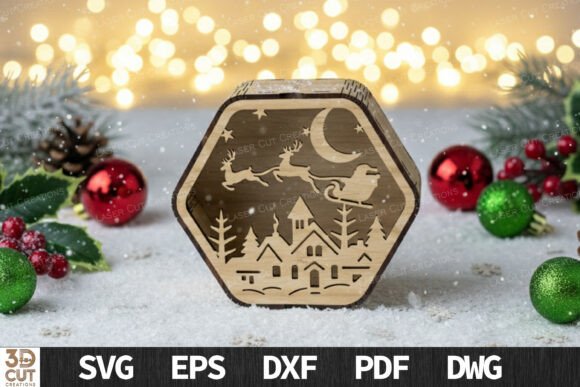
A sleigh-themed design captures one of the most recognizable images of Christmas. It is worth considering if you want a scene with movement rather than a simple centered character.
Because the listing refers to laser cutting, confirm the intended materials and machine compatibility before buying. Laser-cut files and blade-cut SVG projects may require different preparation.
How to Choose Paper for Layered Christmas Art
Paper choice affects both the cutting process and the finished appearance. Cardstock is commonly used for layered paper crafts because it holds its shape, but the best thickness depends on the template and machine.
Before cutting all the layers, check the design instructions and make a small test cut. Keep the layers organized in assembly order so that small details are easier to place correctly.
Christmas Light Boxes and Layered Paper Art
Light boxes combine layered artwork with a light source behind the design. The light can emphasize silhouettes and create a different atmosphere from a standard shadow box. However, not every shadow box template is designed to accommodate lighting, so check the product details before purchasing.
7. Christmas Layered Light Box SVG Bundle
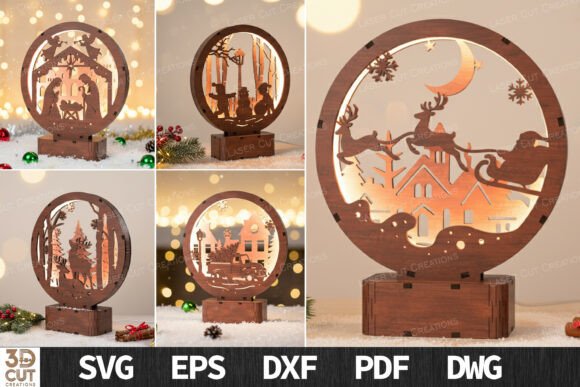
A bundle is worth exploring if you want several light box concepts to compare. Look at the included previews and determine whether the designs suit your preferred display size.
Bundles can be useful for planning a coordinated set of decorations, but the number of files, formats, and included designs should be confirmed in the listing.
8. Nativity Scene Christmas Cut Files
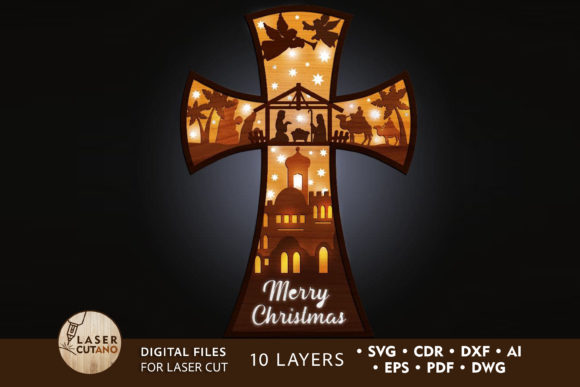
A nativity scene is a traditional option for meaningful Christmas decor. Layering can help distinguish the figures and background while keeping the overall composition cohesive.
When evaluating a nativity design, inspect the small silhouettes and the amount of open space around the figures. These details can influence how clearly the finished scene reads.
9. Christmas Gift Giving Lightbox Paper Cut
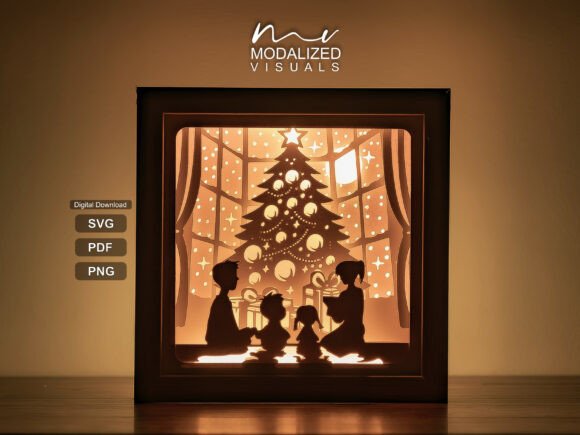
Gift-giving imagery brings the excitement of the holiday season into a layered paper scene. A light box format can be particularly appealing if you want a display that looks different when illuminated.
Check the preview for thin ribbons, bows, and small decorative details, as these may need extra care during cutting and assembly.
10. Deer Snowy Forest Lightbox Paper Cut
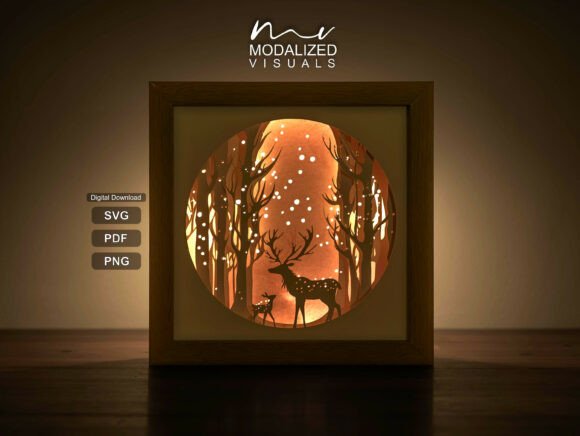
A deer in a snowy forest creates a peaceful winter theme. This kind of nature-inspired artwork can complement Christmas decorations without relying on bright holiday colors.
Look at the distance between the trees, deer, and background elements. Distinct layers can make a forest scene feel more spacious.
11. Children at Christmas Tree Light Box Template
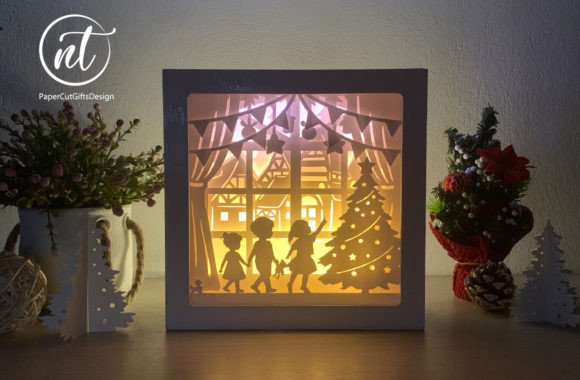
A scene centered on children around a Christmas tree evokes the traditions and excitement of the holidays. It may be a good fit for a family room or a seasonal keepsake display.
Check the scale of the figures and the tree in the preview. Very small silhouettes may need a larger finished frame to remain recognizable.
12. Merry Christmas Shadow Box
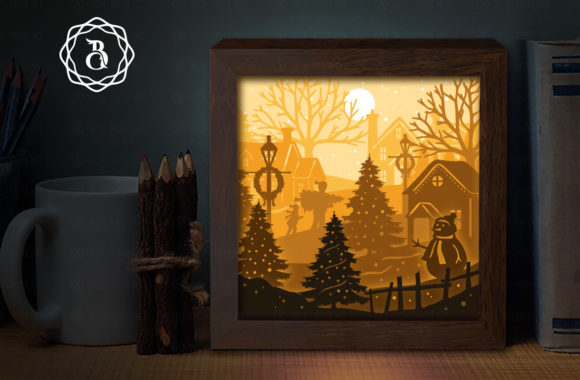
A greeting-themed shadow box combines seasonal decoration with a familiar holiday message. It can work as a focal point on a shelf or as part of a larger Christmas display.
Before choosing your materials, review the lettering in the product preview. Narrow letters and small openings can require more careful cutting than broad shapes.
13. 3D Christmas Shadow Boxes Bundle Laser
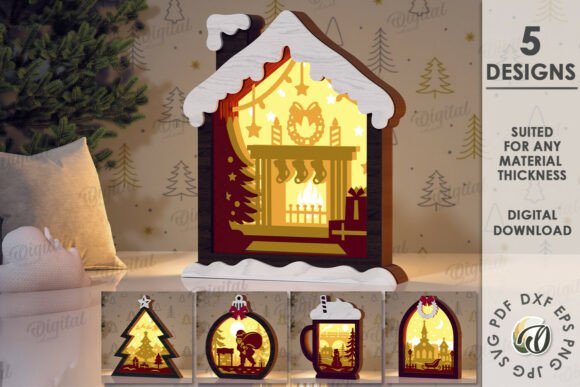
A bundle of 3D shadow box designs can help when you want several festive projects to compare. Review the individual previews rather than assuming every design uses the same construction method.
For laser-cut projects, confirm the supported file formats, material recommendations, and machine requirements in the product listing.
14. Christmas Shadow Boxes Laser Cut Bundle
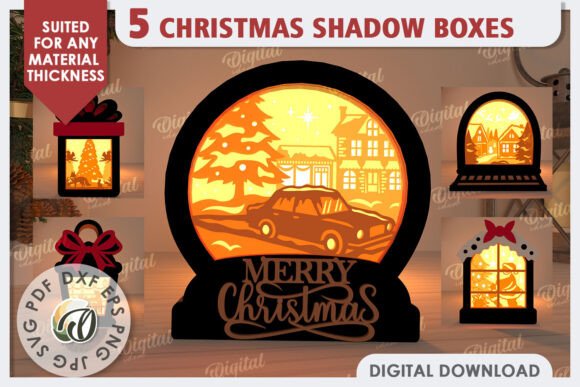
This is another collection to consider when comparing laser-cut Christmas decorations. A group of coordinated designs can help create a consistent look across different areas of a room.
Remember that file compatibility matters: a file intended for laser cutting may need different software and preparation from a standard blade-cut SVG.
Shadow Boxes vs. Light Boxes: What Is the Difference?
A traditional shadow box creates depth through layered materials inside a frame. A light box adds illumination behind the artwork, which can highlight silhouettes and create a glowing effect.
If you want a simple framed decoration, a standard shadow box may be enough. If lighting is part of the finished effect, choose a design specifically intended for a light box and verify its construction requirements.
Cozy, Cute, and Family-Friendly Christmas Designs
Not every holiday decoration needs to look traditional. Cute characters, home-inspired scenes, and animal motifs offer a different mood and can help you match your paper art to your existing decor.
15. Christmas Home Shadow Box SVG
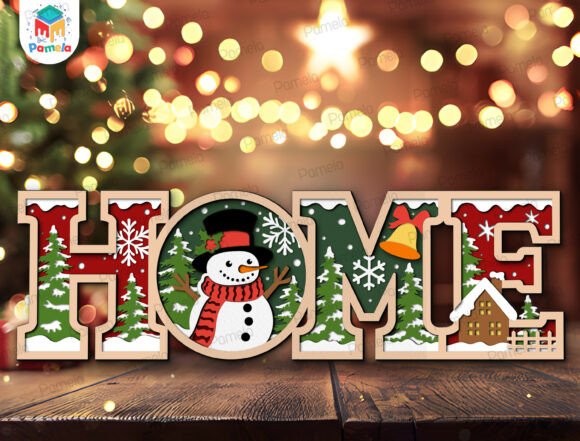
A home-themed Christmas scene is a natural choice for a cozy seasonal display. It can sit alongside wreaths, framed greetings, and other decorations without needing a large amount of space.
Look at the house outline and background details in the preview. These elements determine how the composition will look when viewed from a distance.
16. Christmas Cute Shadow Box SVG Bundle
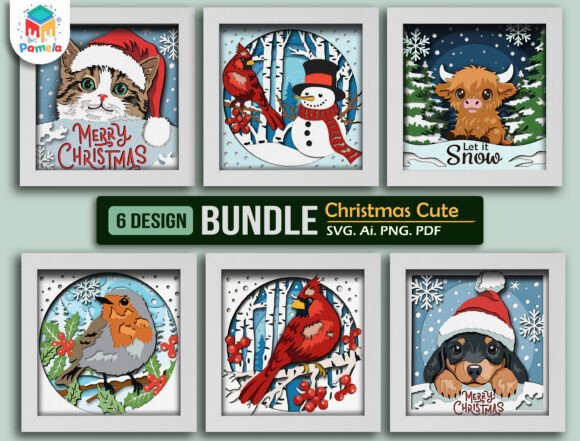
A cute-themed bundle is worth exploring if you prefer cheerful and playful holiday decorations. Check the individual designs to see whether their style and complexity suit your project.
If you plan to display several pieces together, a shared color palette can make the finished collection feel coordinated.
17. Animal Christmas Shadow Box SVG Bundle
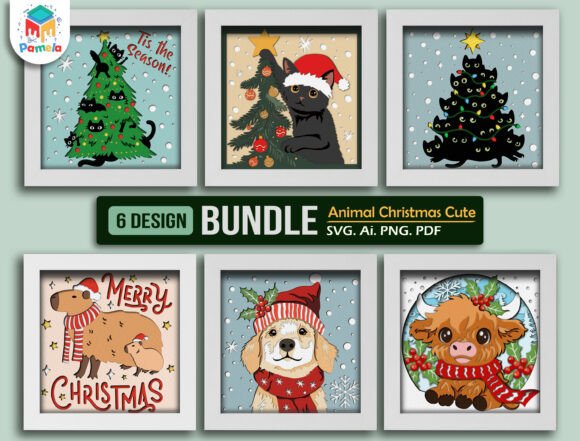
Animal-themed holiday artwork adds a playful twist to Christmas paper crafts. It may suit a display for children or anyone who prefers character-based decorations.
When evaluating a bundle, check which designs are included and whether each one can be cut at the size you need.
18. Kids on Christmas Day Shadow Box SVG
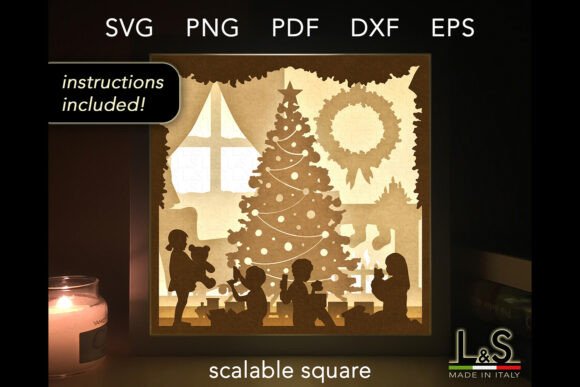
A children-focused Christmas scene evokes the excitement of holiday morning and family traditions. It can be a thoughtful theme for a seasonal display.
Pay attention to how the figures are arranged and whether the foreground and background are clearly separated.
19. Christmas Scene 3D Shadow Box Layered
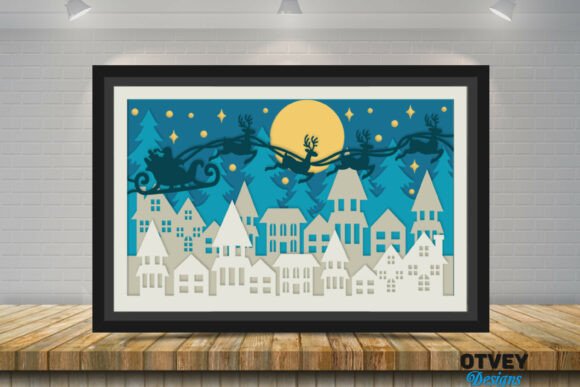
A 3D layered scene can turn a flat illustration into a dimensional display. The effect depends on the relationship between the foreground, middle layers, and background.
Check the number of layers and assembly instructions before cutting. More layers can create depth, but they may also mean more preparation time.
20. Christmas Shadowbox Paper Cut Lightbox
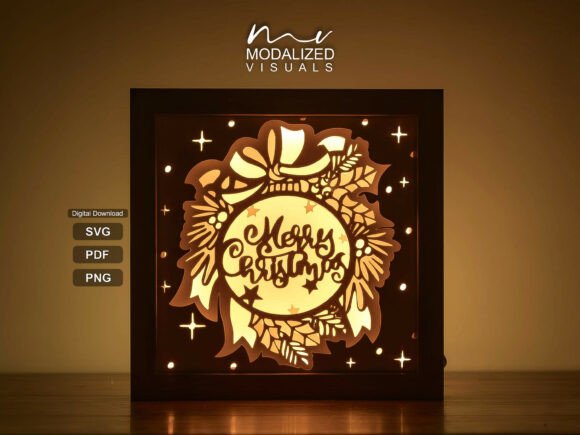
This paper-cut light box concept is worth exploring if you want illumination to be part of your Christmas display. The cutout shapes can create a different effect when a light source is placed behind them.
Make sure the intended frame depth and lighting arrangement match the product instructions before assembling the design.
How to Make Layered Designs Easier to Assemble
Before cutting, read the assembly instructions and check that your materials suit the machine. Keep each layer in sequence and label the back if several pieces look similar.
For intricate projects, use a test cut and dry-fit the layers before applying adhesive. This small preparation step can help prevent misaligned shapes and wasted cardstock.
Traditional Nativity, Angels, and Christmas Messages
Religious scenes and holiday greetings are popular themes for seasonal paper art. When choosing one, consider whether you want the main focus to be a silhouette, a message, or a complete layered scene.
21. Nativity Scene Christmas Layered Papercut
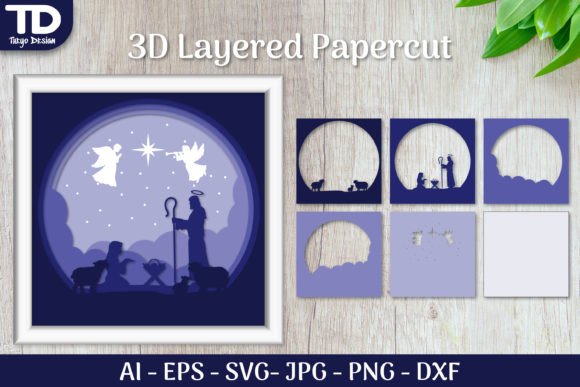
This layered nativity concept is another option for traditional Christmas artwork. Compare its composition with other nativity designs to see which one best suits your intended frame.
Small figures and narrow details may require careful cutting, so review the preview at full size before choosing your materials.
22. Merry Christmas Shadow Box SVG 2
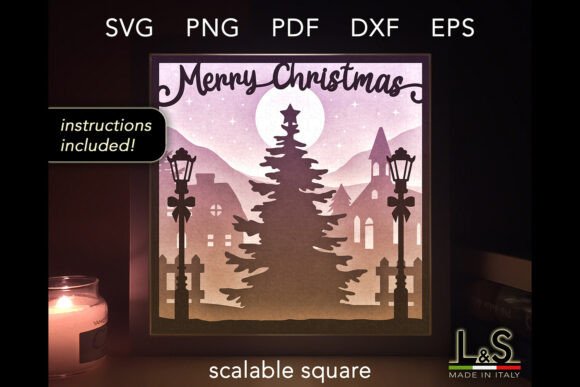
This second Merry Christmas design gives you another option for a greeting-centered decoration. Compare the product preview with the other greeting designs in this guide before choosing.
Lettering is an important detail in this type of project. Fine script and narrow spaces can be more challenging to cut than larger, simpler text.
23. Angels Bundle 3D Layered SVG Cut Files
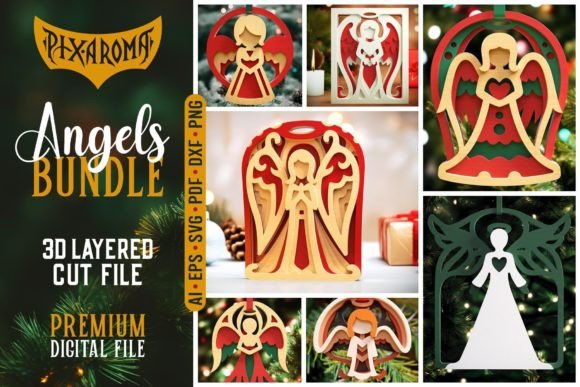
An angel-themed bundle may be useful if you want to compare multiple designs around a similar holiday theme. Review the individual previews and file list to understand what is included.
Different designs may vary in detail and assembly complexity, even when they belong to the same bundle.
24. 3D Santa Shadow Box Christmas Believe
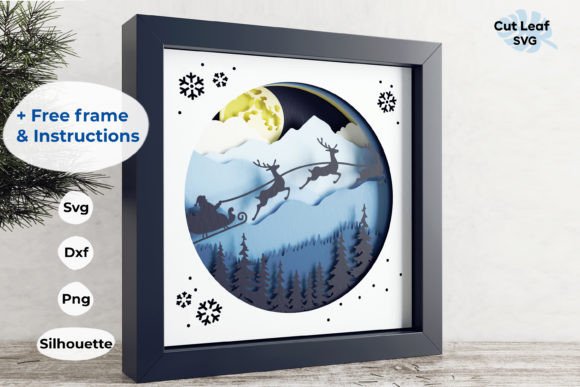
This Santa-themed design combines a familiar Christmas character with a seasonal message. It can suit a display where you want both a recognizable figure and a decorative phrase.
Check the lettering and Santa silhouette in the preview to see whether both elements remain distinct at your preferred size.
25. 3D Santa Sleigh Shadow Box Christmas
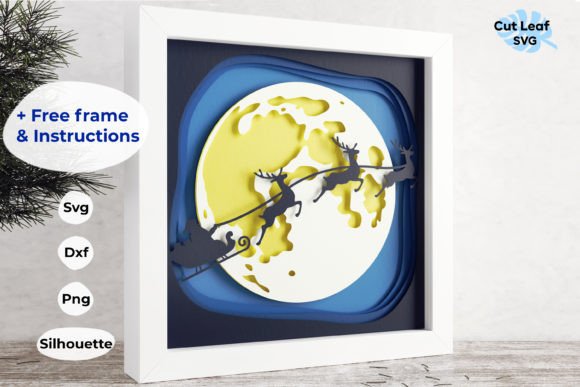
A 3D sleigh scene is another option for a traditional Christmas display. Its layered format can help separate the main subject from the surrounding scenery.
Before starting, check how the layers are intended to be spaced and whether the design requires a specific frame depth.
26. Christmas Shadow Box SVG 2
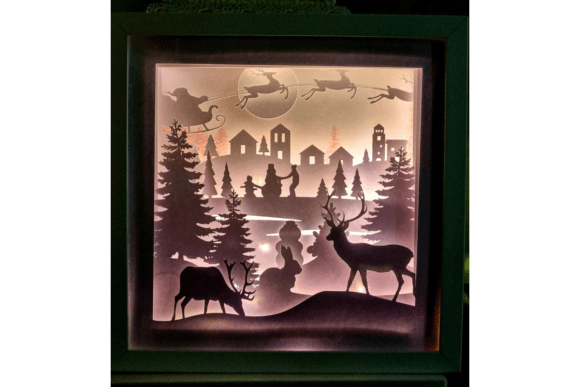
This additional Christmas shadow box design gives you another option to compare. Review the original product image and included files to see how it differs from the other templates.
Consider whether the finished artwork will be framed, displayed on a shelf, or used as part of a larger holiday arrangement.
27. Merry Christmas 3D Light Box Template
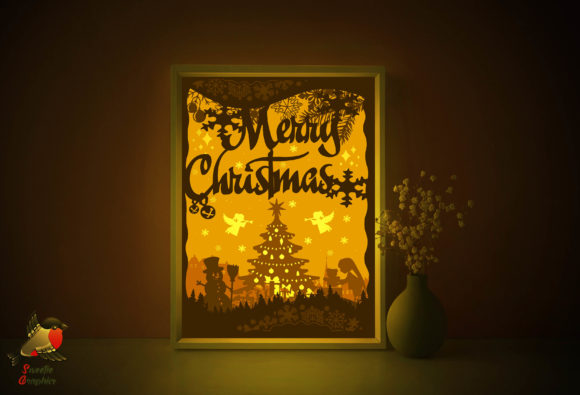
A greeting-themed light box combines a festive message with dimensional paper art. It may be a good fit for a table or shelf where a glowing decoration can be appreciated.
Unlike a standard framed design, a light box needs space for its light source and any supporting components. Review the construction details before purchasing.
28. Christmas 3D Shadow Box Template
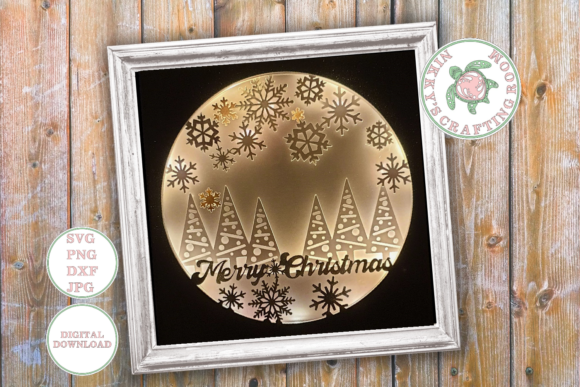
A general 3D Christmas template can be an option for crafters who want dimensional holiday artwork. The actual composition and complexity should be evaluated using the seller’s preview.
Check whether the download includes assembly instructions, the file formats you need, and the dimensions of the finished design.
29. Believe Christmas 3D Shadow Box
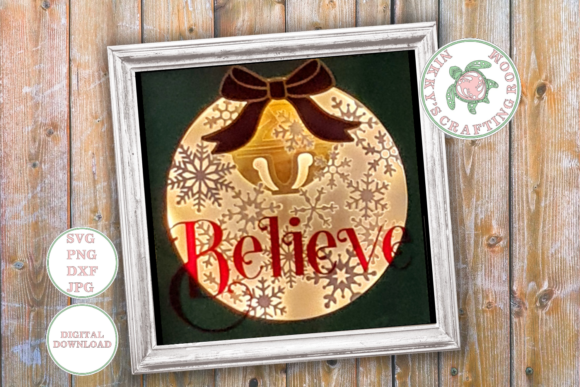
A Christmas message design is a natural choice if you enjoy decorations that combine lettering and layered artwork. It can also complement other pieces with a similar color palette.
Look at the relationship between the lettering and the surrounding scene. A balanced composition makes the message easier to notice.
30. Cozy Cottage Forest Shadow Box SVG
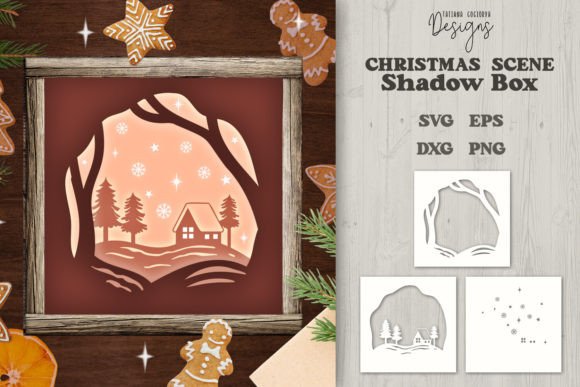
A cottage and forest theme offers a cozy alternative to character-centered Christmas decorations. Woodland scenes can also remain suitable for display after the holiday season has ended.
Look for clear separation between the cottage, trees, and background. These layers help create the impression of a little scene inside a frame.
How to Choose the Right Design for Your Machine
For Cricut and Other Blade Cutters
Check that the files support your cutting software and machine. Intricate designs may require a sharp blade, suitable cardstock, and a test cut. Avoid shrinking delicate artwork too much because narrow shapes can become difficult to cut or handle.
For Laser Cutting
Confirm that the file format is compatible with your laser software and that the material is suitable for your machine. Follow the machine manufacturer’s safety guidance and the seller’s recommendations for material thickness and settings.
For a Light Box
Choose a design specifically intended for illumination, then check the required frame depth and lighting arrangement. Use a suitable lighting system and follow its safety instructions. Do not assume that every standard shadow box file can be converted directly into a light box.
Before You Buy a Christmas SVG
Product previews can look similar even when the included files and construction methods are different. Before making a purchase, review these details:
- Supported file formats and compatibility with your machine.
- Finished dimensions and the number of layers.
- Whether the product includes a single design or a bundle.
- Assembly instructions and material requirements.
- Whether a frame or lighting components must be purchased separately.
Find Your Next Christmas Paper Craft
From Santa scenes and traditional nativity artwork to winter forests and illuminated greetings, these 30 designs offer a range of ideas for seasonal crafting. Compare the original previews, choose a template that suits your equipment, and plan your materials before starting your project.